
Whoop Mobile Streaming by Liam Sheehan
Whoop 3.0 & 4.0
Ensure your phone is connected to your WHOOP before enabling.
- In the WHOOP app, open Device Settings by tapping the device indicator in the top right corner or clicking More in the navbar.
- Toggle on HR Broadcast to start broadcasting (See red box below) .
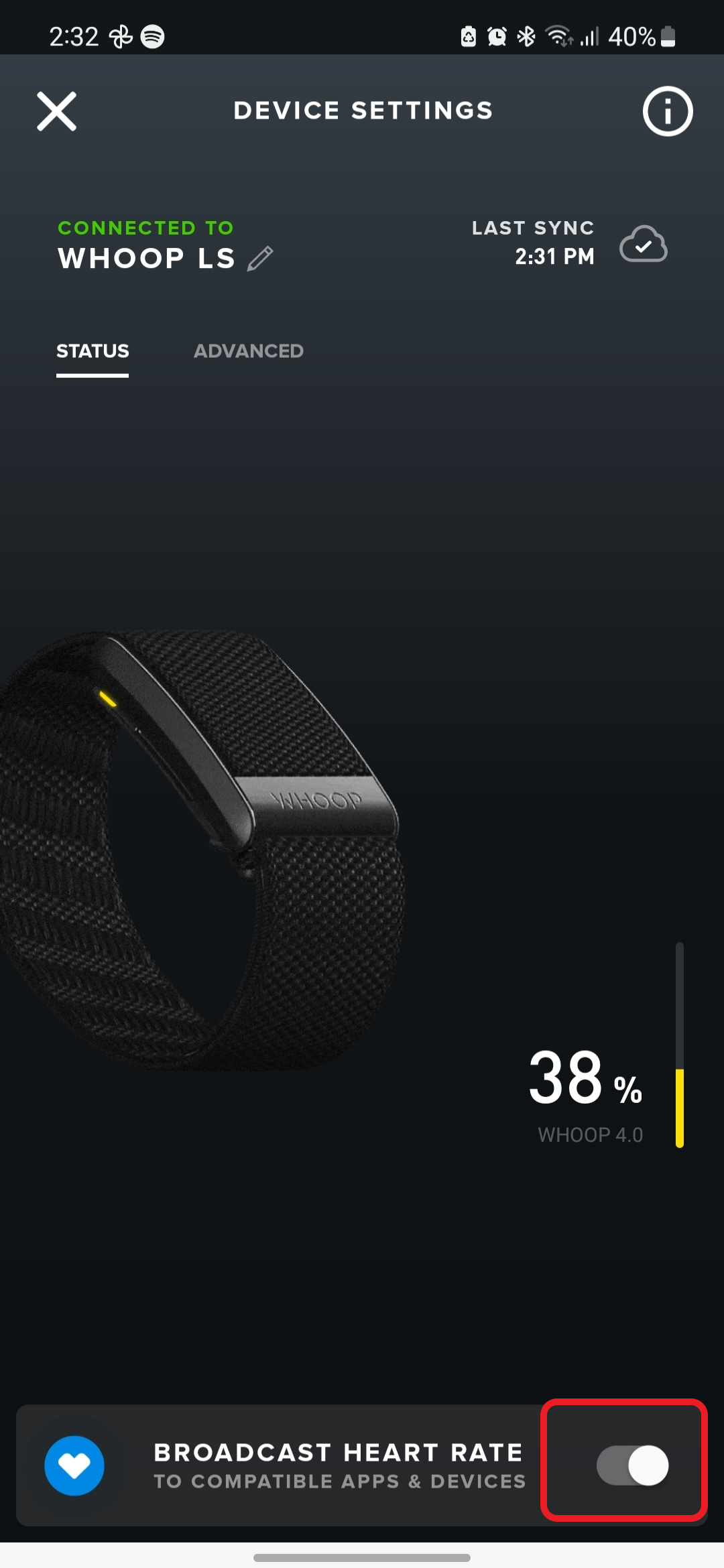
Note: after app or firmware updates, HR Broadcast may toggle off. Always check the setting before connecting to another device. Once enabled, WHOOP broadcasts your heart rate over BLE, allowing connection to a receiving device.
Remember to toggle HR Broadcast off when not in use.